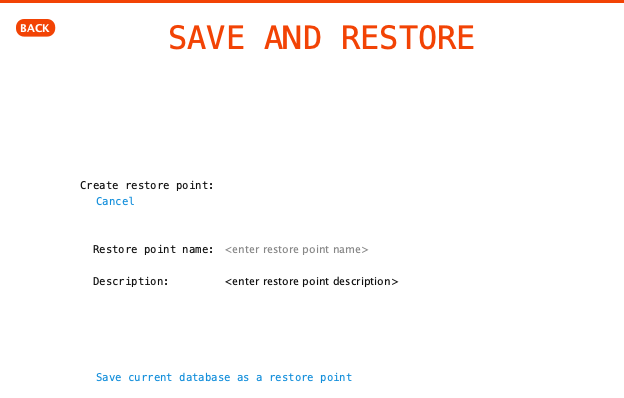
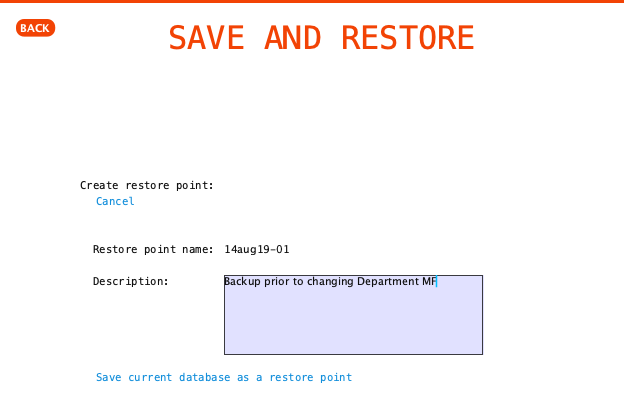
Click on ‘Save Current Database as Restore Point‘ to access the form used to create a restore point. You can provide a name and description of the restore point before creating it.
Form for creating a restore point
Showing details for a new restore point
After providing a restore point name and description click the ‘Save current database as a restore point’ text to create the restore point. It takes a matter of seconds for the restore point to be created.